Photos and videos

The day's photos and videos, organised and safe

Take photos in the app, tag children and activities, and the images go straight into the school gallery. Share them with families every day, and Kindertap checks privacy consents first.

Included in every plan1

Shoot from the app, and everything lands in the gallery

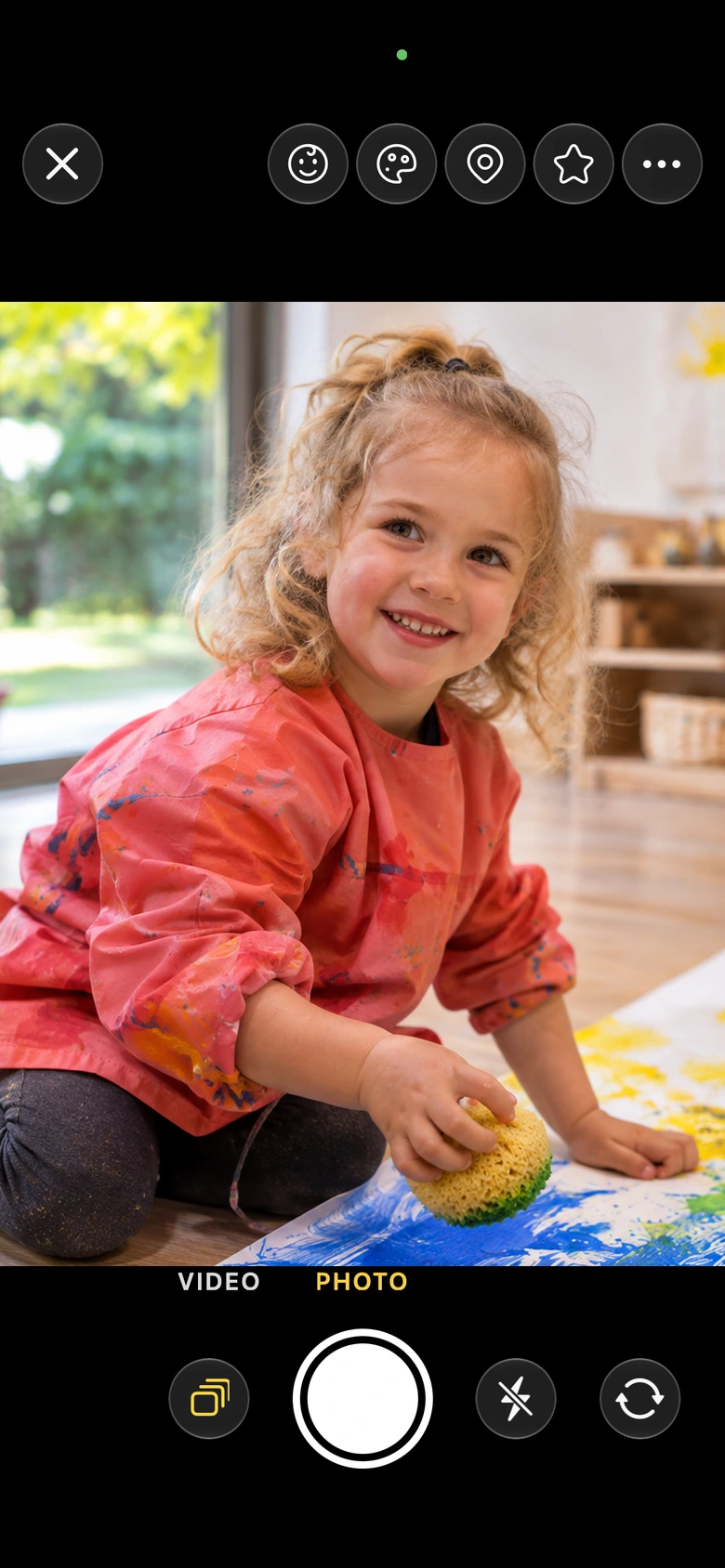
Take photos and record videos directly in the Kindertap app, or import images you already have. Shots taken in the app don't end up in the phone's camera roll: they are uploaded to the school gallery, on servers in the European Union, and only authorised staff can see them. Everything is processed in line with the GDPR, with ISO/IEC 27001 certified security.

  • Built-in camera with tap to focus and flash
  • Import photos and videos from the app and the web
Shoot from the app, and everything lands in the gallery

Tags and search: the right photo in seconds

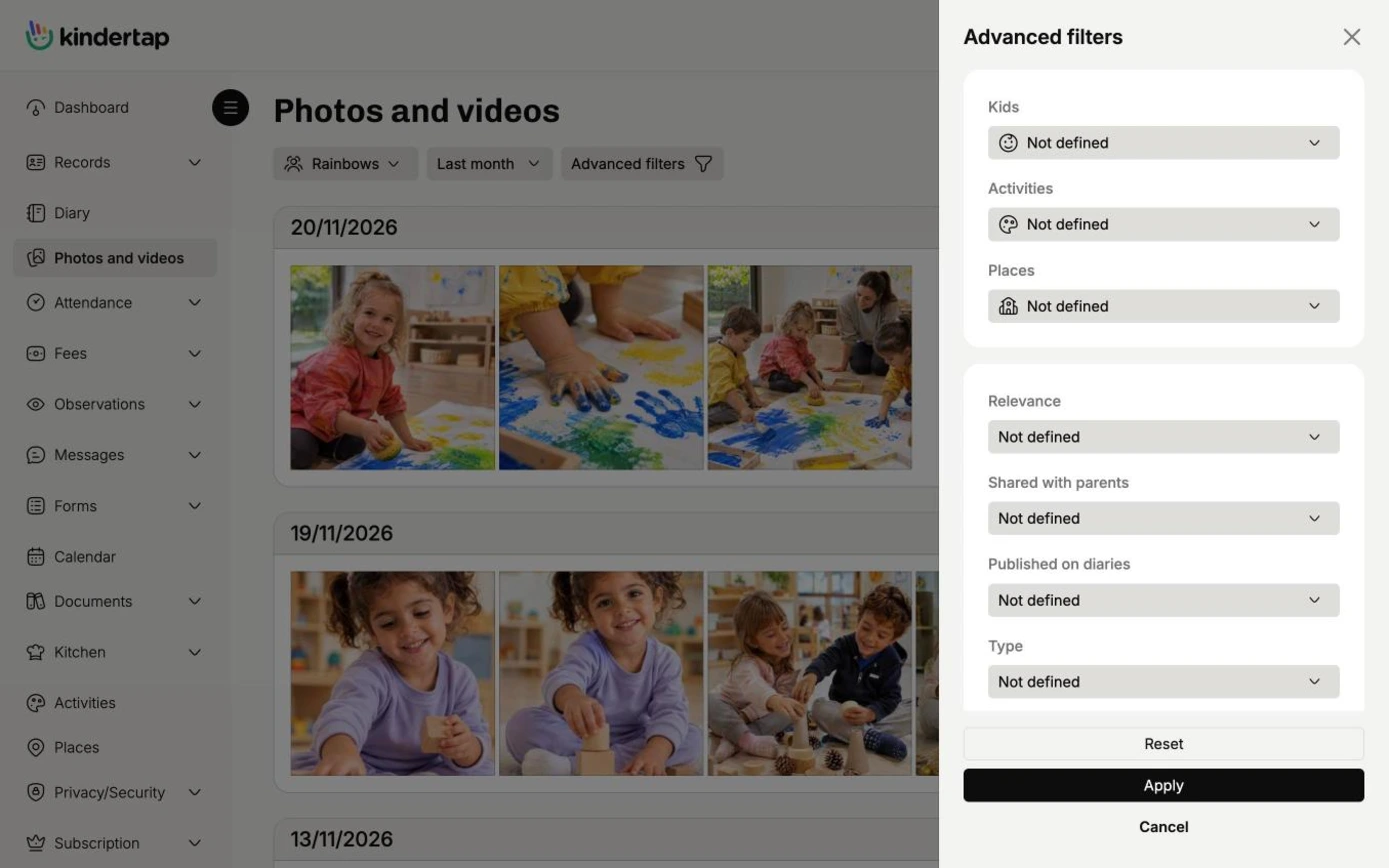
Tag each photo with the children in it, the activity you were doing and how relevant it is. Looking for the best photos of Lucy during motor skills sessions over the past year? You'll find them in under 10 seconds.

  • Tags for children, activities, space and relevance
  • Search by child, activity, space, relevance and period
Tags and search: the right photo in seconds

Shared every day, only with those who should see them

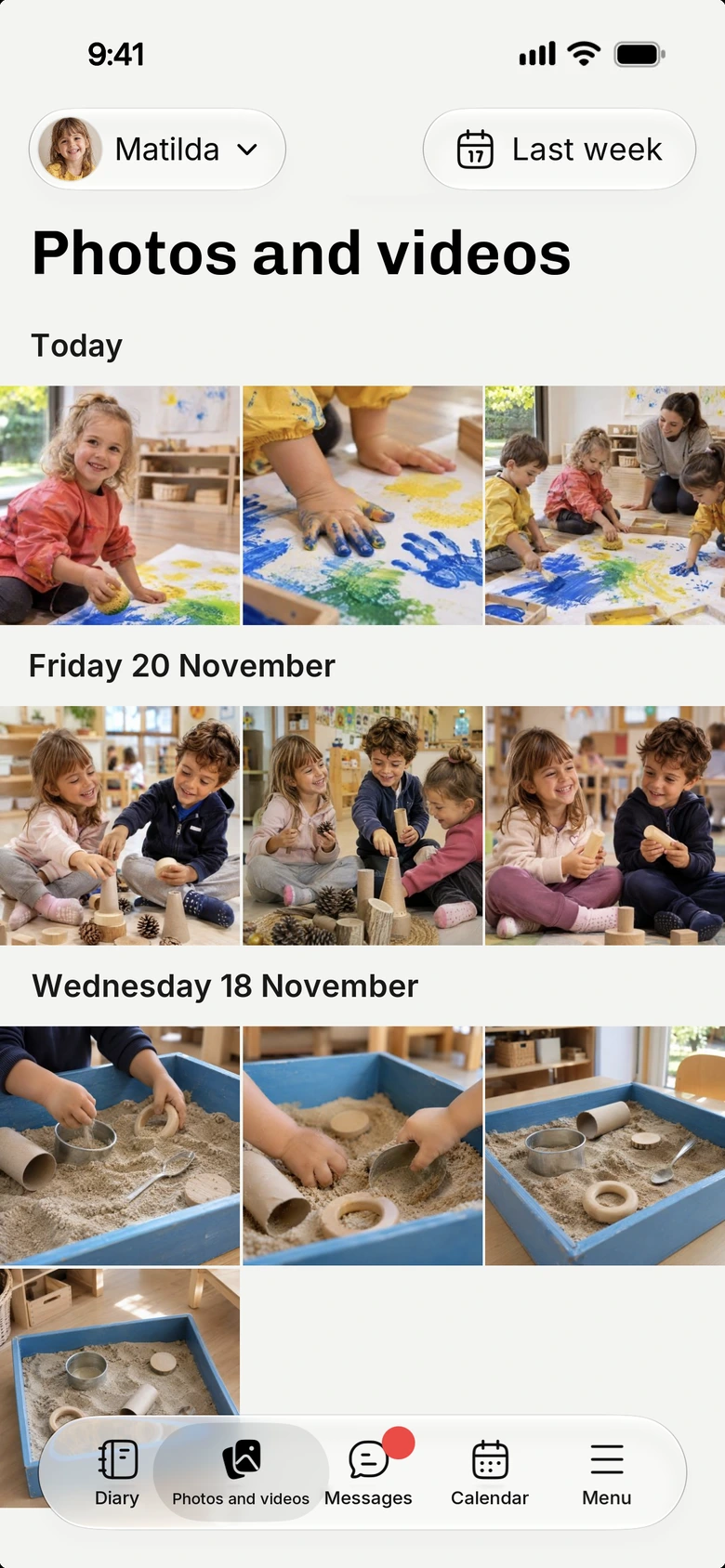
No need to wait until the end of the year: parents see the photos and videos you share on the app as the day unfolds. Each family only sees the shots featuring their own child.

  • Visible only to the parents of tagged children
  • Kindertap checks the consents in the registry and blocks sharing if they are missing
Shared every day, only with those who should see them

And also

Everything in a single ZIP file

Parents download photos and videos one at a time or as a ZIP archive. No more USB sticks to fill at the end of the year.

On-site slideshow

Start a slideshow of the collected photos, for example on a screen at the entrance, to enjoy together with families.

Photos and videos in the diary

With the Diaries module, images accompany the story of each child's day.

Discover Diaries

1. Some features may be available only in the Premium plan. For more information, check the features comparative table of the different plans.

Try Kindertap at your facility

Create your account in minutes: the Free plan never expires.

Accessibility and appearance

Customize the site display

Theme

Follows the light or dark theme set on your device.

Text size
Turns off animations and transition effects.
Already enabled from your device settings.
Stronger secondary text, borders, and separators.
Already enabled from your device settings.
Makes links recognizable even without color.
Uses a typeface designed to better distinguish similar letters.

Preferences are saved in this browser and apply only to this device.